Pingdom is one of the names every agency has heard of, and for many it was the first monitoring tool they ever paid for. It still offers serious capability: real-browser transaction checks, page speed monitoring, real user monitoring and a large probe network. Agencies that look for an alternative usually are not unhappy with the checks. They are trying to run 15 or 50 clients without everything blending into one account.
This guide compares Pingdom and PingAlert through that lens. Every Pingdom fact below comes from Pingdom's own pricing and product pages in November 2026, linked at the end.
Direct Answer
Stay with Pingdom if real-browser transaction monitoring, page speed tests or real user monitoring are part of what you sell, or if a large global probe network matters to your clients. Choose PingAlert if your priority is separating clients into their own workspaces, giving each client a white-label status page with a custom domain, and reducing false alarms with quorum-based confirmation across regions, on flat monthly tiers.
Why This Matters
When an agency monitors many clients from one account, the cost is rarely the subscription. It is the hidden work: filtering alerts by client, explaining to a client why their status page shows someone else's naming conventions, and assembling incident evidence for an account review by hand. A tool can have excellent checks and still create that overhead if it was not shaped around clients. The right choice depends on whether your bottleneck is check depth or client operations.
What Pingdom Does Well
- Real-browser transaction checks: Pingdom's product page says transaction tests run "at set intervals in a real Chrome browser," covering flows such as registrations, logins, searches and shopping cart checkouts.
- A large probe network: Pingdom's product pages describe "100+ servers worldwide," with regional monitoring across North America, South America, Europe, Asia and Australia.
- Frequent checks: The product page says you can test availability "as often as every minute."
- False positive filtering: The uptime monitoring page says Pingdom performs "a second check on every incident" before alerting.
- Flexible alert timing: Alerts can go out immediately or be delayed by an interval of up to one hour, and can be resent up to four times. Alerts are delivered by email, SMS, mobile push and webhooks, and the product pages also reference the Pingdom API.
- Status pages and users included: As listed on Pingdom's pricing page in November 2026, the Synthetic Monitoring plan includes public status pages and reports, maintenance windows and unlimited users. The uptime page says public status pages are "included in all plans" and are "easily configurable to suit your own brand."
- Broader experience monitoring: Page speed monitoring and real user monitoring (RUM) sit alongside uptime, with RUM priced as its own product.
Pricing Shape for an Agency
Pingdom lets you "mix and match" capabilities. As listed on Pingdom's pricing page in November 2026, Synthetic Monitoring starts at $18 per month on monthly payment ($16.50 per month on annual payment) for 10 uptime checks, 1 advanced check and 50 SMS alerts. Larger bundles scale up from there, for example 50 uptime checks, 10 advanced checks and 200 SMS alerts at $78 per month ($71.50 on annual payment), or 100 uptime checks, 20 advanced checks and 350 SMS alerts at $149 per month. The uptime page lists a 30-day free trial that includes Synthetics and RUM.
Unlimited users is a genuine advantage for agencies with large teams. The trade-off to model is that pricing scales with check and SMS volume rather than with client count, so the question becomes how cleanly you can separate those checks per client once you have them.
PingAlert's tiers are shaped differently: Starter at $29 per month (25 monitors, 2-minute checks, 3 regions, 1 branded status page), Professional at $79 (75 monitors, about 30-second checks, 5 regions, 3 client workspaces) and Business at $249 (300 monitors, about 30-second checks, 10 regions, 10 client workspaces). Current details are on pricing.
Agency Comparison at a Glance
| Capability | Pingdom | PingAlert |
|---|---|---|
| Separate client workspaces | Not listed | Yes (3 on Professional, 10 on Business) |
| Public status pages | Included in all plans | Paid plans |
| Status page branding | Configurable to your brand | White-label with custom domains |
| Fastest listed check interval | Every minute | About 30 seconds (Professional, Business) |
| Probe network | 100+ servers | 3, 5 or 10 regions by plan |
| Confirmation before alerting | Second check on every incident | Quorum across regions |
| Alert channels named on pages reviewed | Email, SMS, push, webhooks | Slack, Teams, Discord, email, SMS, webhooks |
| Real-browser transaction checks | Yes | No (multi-step API checks) |
| Page speed and RUM | Yes | No |
| Users | Unlimited users listed | Not listed |
Where PingAlert Fits Agencies Differently
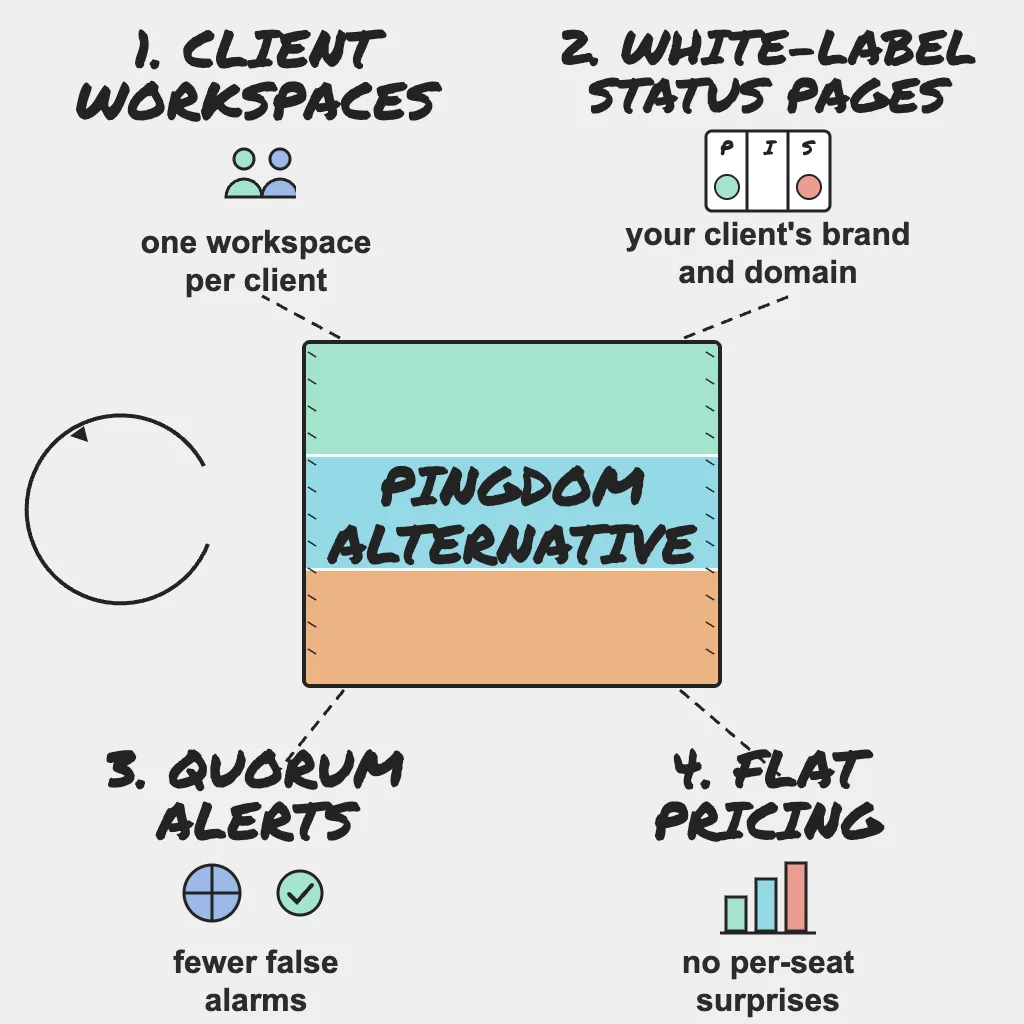
- Client workspaces: Each client's monitors, alerts, incidents and status pages are kept separate under one subscription. A portfolio view shows client health and active incidents across every workspace. The agencies page walks through the setup.
- White-label status pages: Branded status pages with custom domains on paid plans, subscriber notifications, incident history, incident timelines and incident templates.
- Quieter alerts: Quorum-based confirmation across regions, deduplicated notifications, escalation policies, quiet hours, alert rules and maintenance windows, routed to Slack, Microsoft Teams, Discord, email, SMS or webhooks.
- API-first flows: API checks with methods, headers and bodies, and multi-step API checks that pass variables between steps for login, cart and checkout flows. That suits headless storefronts and SaaS apps where the API is the product.
- Repeatable onboarding: Monitor templates give every new client the same baseline of uptime, SSL, DNS, keyword and heartbeat checks.
Field note: Escalations go well when the runbook, the owner and the evidence are ready before the call. For an agency, that means every client already has a named owner, a status page and an incident timeline before anything breaks, not a scramble to filter one shared account at midnight.
For a deeper look at running incidents across many clients, see the agency incident response playbook.
When to Stay with Pingdom
- You sell user-experience monitoring. Page speed and RUM are part of Pingdom; PingAlert offers neither.
- Your critical flows need a real browser. Pingdom runs transaction tests in Chrome. PingAlert's multi-step checks work at the API level, which will not catch a broken front-end script.
- Clients ask for monitoring from many specific places. A network of 100+ servers covers more locations than PingAlert's regional plans.
- Large teams need access without per-user thinking. Pingdom lists unlimited users on its Synthetic plan.
- Your clients are few. With a handful of clients, separation by naming conventions may be perfectly manageable.
How to Switch Without a Monitoring Gap
Write down each client's requirements before moving a single check. The free uptime monitoring requirements checklist turns that into a one-page list per client.
- Export your monitors. Pingdom's site references its API. Use it, or the dashboard, to list every check with URL, type, interval, regions, alert delays and recipients, and tag each one with its client.
- Recreate checks per client. Create a PingAlert workspace per client, apply a monitor template, then add client-specific checks. Map uptime checks to HTTP or keyword checks and decide which transaction tests can become multi-step API checks. Keep anything that truly needs a browser on a browser-capable tool.
- Map alert channels. Recreate email, SMS and webhook recipients, add Slack or Teams channels per client, and replace alert delays with escalation policies and quiet hours.
- Rebuild status pages. Recreate components in client language, apply branding, and stage the custom domain change.
- Run both in parallel for a week. Compare every alert from both tools, chase any differences, then move status page domains and retire the old checks.
Reader Questions, Answered
Is Pingdom good for agencies?
Yes, particularly agencies that sell user-experience monitoring. Its pricing page lists public status pages, reports and unlimited users on Synthetic Monitoring, and it adds real-browser transaction checks, page speed and RUM.
What is the main difference between Pingdom and PingAlert for agencies?
Pingdom focuses on depth of website experience monitoring. PingAlert focuses on client operations: separate workspaces, white-label status pages with custom domains, and quorum-confirmed alerts.
Can PingAlert replace Pingdom transaction monitoring?
Partly. PingAlert's multi-step API checks cover login, cart and checkout flows at the API level. It does not run real-browser scripts, so keep a browser-based tool for flows that depend on front-end behavior.
How long does a switch take?
Setup is usually quick once requirements are written down. Plan for one full week of parallel running before you retire anything.
Wrap Up
Pingdom remains a capable tool, especially when your clients care about page speed and real user experience. If your growing pain is clients blending together in one account, the fix is structure, not more checks. Compare tiers on pricing, run the requirements checklist, and give each client a workspace of its own.
Related guides: