AI agents are becoming part of customer support, scheduling, lead qualification, internal operations, and account workflows. That changes what reliability means. A normal uptime check can tell you whether an endpoint responded. It cannot tell you whether an AI agent completed the workflow, used approved tools, avoided sensitive data leaks, or stayed inside cost and latency limits.
Direct Answer
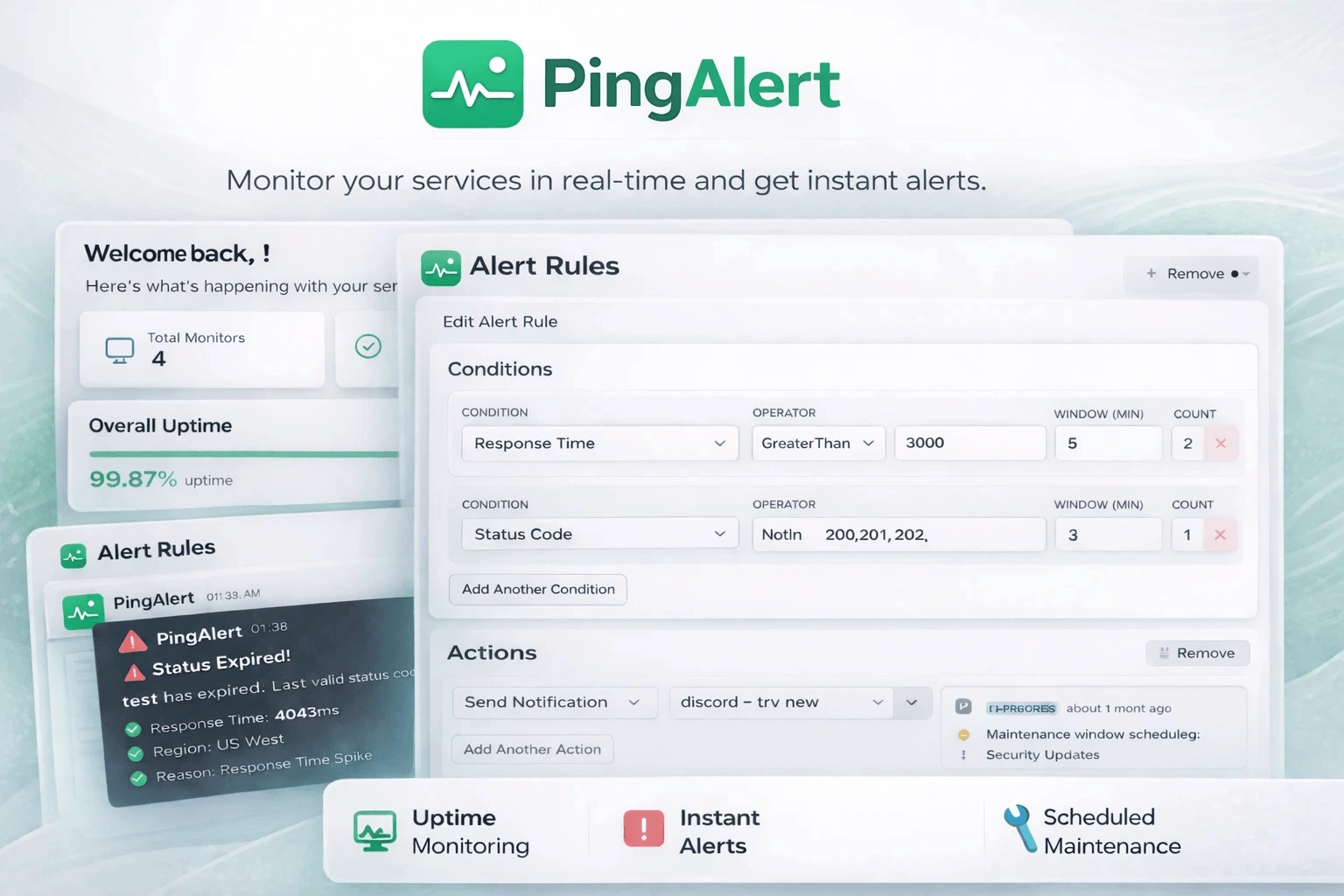
AI-agent monitoring is synthetic monitoring for agentic workflows. PingAlert runs approved prompts and business scenarios against an HTTP AI agent, records bounded and redacted evidence, evaluates the run across Availability, Quality, Security, and Economics, and routes alerts through the same incident and notification workflow used for ordinary uptime monitoring.
Why This Matters
AI agents can fail in ways that look healthy from the outside.
- The endpoint can return HTTP 200 while the answer is wrong.
- A workflow can stall after the first turn.
- A tool call can use an unauthorized action.
- Optional trace or cost telemetry can disappear.
- A model, prompt, or routing change can increase latency or cost.
Traditional uptime monitoring catches reachability problems. AI-agent monitoring checks whether the business interaction still works.
What PingAlert Evaluates
Availability
PingAlert checks reachability, response status, latency, request timeouts, workflow completion, and integration failure signals when evidence exists.
Quality
PingAlert evaluates deterministic assertions, JSONPath checks, schema checks, required workflow steps, expected outcomes, and optional semantic rubrics approved by the customer.
Security
PingAlert checks forbidden tools, unapproved actions, sensitive data patterns, synthetic canaries, destination policy, authorization decisions, and loop-like behavior.
Economics
PingAlert records observed cost, token telemetry, model information, judge-credit usage, and scenario-run consumption. Missing optional cost telemetry is visible but non-failing unless a scenario explicitly requires cost telemetry.
How Synthetic AI Scenarios Work
- Define the AI agent endpoint and authentication.
- Describe a customer-like scenario and expected outcome.
- Choose plan-allowed monitoring frequency, regions, notification channels, and evaluation limits.
- PingAlert reserves usage, runs the scenario, evaluates the result, stores redacted evidence, and emits alertable metrics.
This keeps AI monitoring inside the same operational workflow as uptime checks, incidents, maintenance windows, alert rules, and notifications.
Why AI Monitoring Uses A Separate Add-On
AI-agent monitoring consumes different resources from ordinary uptime checks. Each scenario and region run consumes a scenario-run unit, and semantic evaluation can consume a judge credit after provider acceptance. That is why AI monitoring is packaged as a separate Standard, Pro, or Enterprise add-on with its own interval floors, quotas, overage rules, and spending ceilings.
The add-on does not consume ordinary uptime monitor limits. Commercial prices, included scenario runs, judge credits, and overage policies are configured in your PingAlert catalog, so this article does not list invented package prices.
Evidence And Retention
Generic monitor results do not receive raw prompts or raw responses. They receive normalized metrics, verdicts, and identifiers that support alerting and incident workflows.
Detailed evidence is stored separately, redacted, and retained according to policy. That evidence can help explain why a run was marked Up, Degraded, Down, or Unknown without turning monitor results into a raw transcript store.
Practical Checklist
- Start with sandbox agents and one high-value customer scenario.
- Add deterministic assertions before enabling semantic judging.
- Keep production actions explicit with allowed and forbidden action lists.
- Use synthetic canaries for sensitive-data and cross-tenant leakage checks.
- Require cost telemetry only when the agent reliably reports it.
- Route AI alerts into the same incident process your team already uses.
Reader Questions, Answered
Is AI-agent monitoring the same as uptime monitoring?
No. Uptime monitoring checks whether an endpoint is reachable. AI-agent monitoring checks whether an agent can complete a business scenario safely and within quality, security, latency, and cost expectations.
Does PingAlert store raw prompts or responses in monitor results?
No. Generic monitor results receive normalized metrics and identifiers, not raw prompts or raw responses. Detailed evidence is redacted and stored separately according to retention policy.
Do missing traces make a run fail?
Not by default. Missing optional trace evidence is reported as Not observed or Unknown. Required trace mode is preserved as a future enterprise extension.
Can AI monitoring create false downtime during platform or judge failures?
The design maps platform and required judge failures to Unknown, not Down. Budget skips do not create a new health result.
Wrap Up
AI agents need reliability checks that understand workflows, policies, and cost. Synthetic AI-agent monitoring gives teams an operational safety net before customers discover that an agent has drifted, stalled, leaked, or become too expensive.
Related guides:
- How Synthetic Monitoring Helps and Why It Is Important
- Q2 2026 Reliability Report: What Cloud, Hosting, AI, and Identity Outages Taught Teams
Sources and references
- PingAlert AI-agent monitoring implementation plan and runbook.
- PingAlert reliability design notes for AI-agent monitoring.