Agencies do not usually lose clients because they lacked one more graph. They lose clients because a checkout, lead form, landing page, or API broke and the team found out too late, responded too slowly, or communicated too loosely.
Website monitoring for agencies has to do more than detect outages. It has to support multi-client ownership, calm alerting, and client-ready communication without forcing your team to juggle separate tools for every account.
Why Agency Monitoring Breaks Faster Than In-House Monitoring
An in-house team monitors one product. An agency monitors many client environments at once, each with different stacks, priorities, and stakeholders.
That changes the operating problem:
- One team, many blast radiuses: A single on-call rotation may cover multiple client websites, APIs, storefronts, and marketing properties.
- Retainers amplify perception: Small outages can turn into account-level trust issues if the client discovers the incident before your team does.
- Alert noise compounds across accounts: Weak thresholds or duplicated checks create too many notifications and make real outages easier to miss.
- Communication becomes part of delivery: During a visible outage, your monitoring workflow is also an account-management workflow.
If you do not standardize the operating model, every new client makes the system noisier.
The Baseline Monitor Pack Every Agency Should Standardize
Start with a repeatable baseline for each client rather than rebuilding from scratch.
- Homepage and top landing pages: Catch core availability issues fast.
- Primary conversion path: Checkout, signup, demo form, or lead form.
- Login and auth dependencies: These failures often create the highest support volume.
- Critical API or webhook endpoints: Especially for ecommerce, dashboards, and integrations.
- SSL certificate and domain expiry: These are preventable incidents that still damage trust.
- Client-facing status communication path: Make sure the page or workflow used for incident updates is ready before you need it.
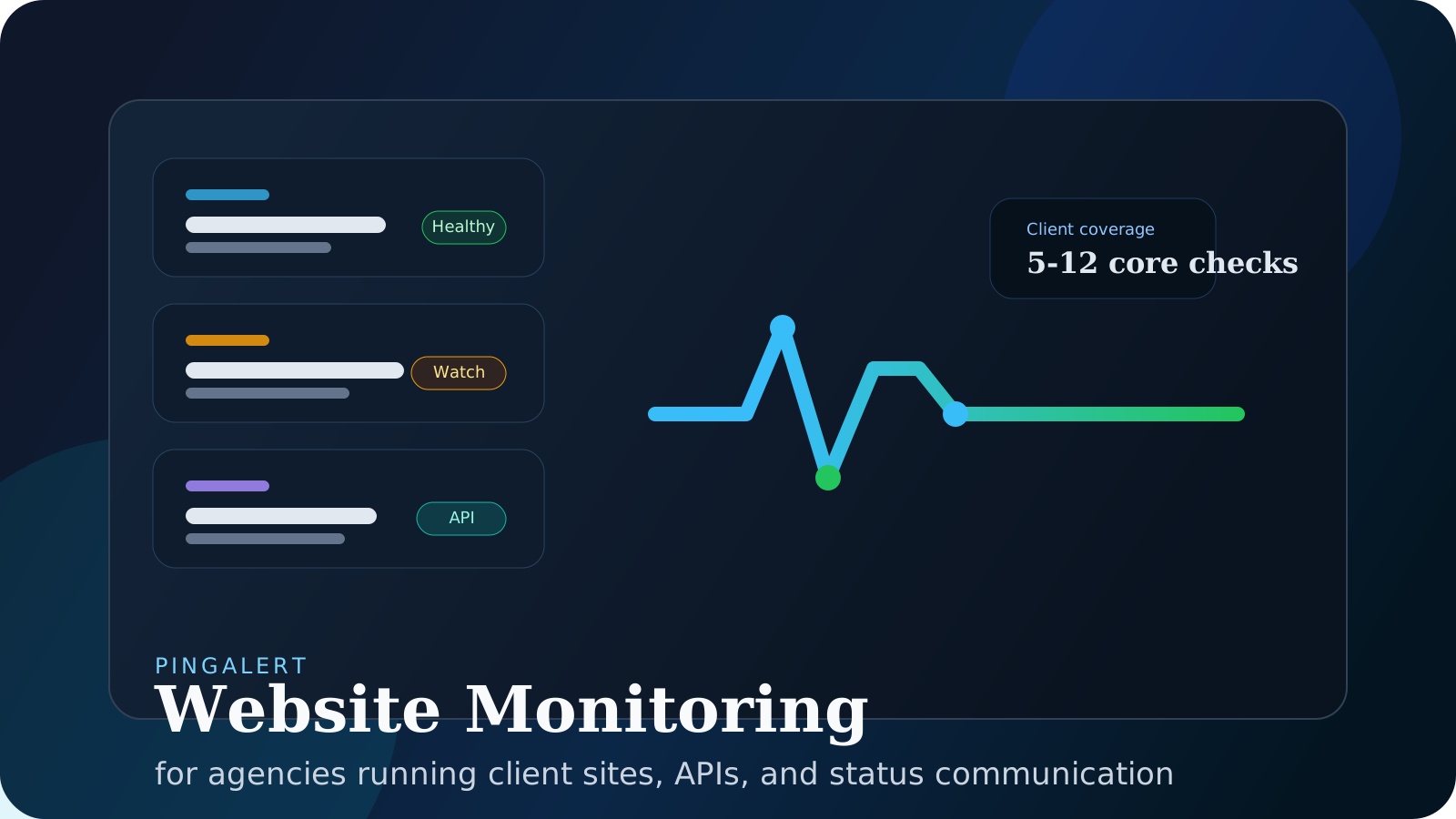
For most agencies, that means starting with roughly 5 to 12 high-signal checks per client, then expanding only after the first baseline is stable.
The Operating Model That Scales Across Clients
Good agency monitoring is not just a set of checks. It is a portfolio workflow.
The structure that tends to scale cleanly looks like this:
- One client workspace per customer: Keep monitors, incidents, responders, and status pages separated by account.
- A shared naming standard: Use the same service labels across clients where possible: homepage, login, checkout, API, webhooks, and integrations.
- Severity rules that match business impact: A landing-page failure should not be routed the same way as a favicon issue.
- Low-noise escalation: Require repeated failures or multi-region confirmation before high-severity escalation when appropriate.
- Branded incident communication: Clients should have a clear path for updates during outages, not a scramble through email threads and chat messages.
If your agency is consolidating on PingAlert, this structure maps well to agency pricing with client workspaces and white-label status pages for agencies.
A 14-Day Rollout Plan for the First Client Portfolio
Days 1-3: Inventory What Actually Matters
- List each client's revenue-critical pages and APIs.
- Mark the journeys that directly affect leads, sales, onboarding, or support volume.
- Decide who owns engineering response and who owns client communication.
Days 4-7: Deploy the Baseline
- Add the standard monitor pack for each client.
- Group monitors by clear component names.
- Route notifications by client owner and severity.
Days 8-10: Prepare Communication Before the First Incident
- Create templates for investigating, identified, monitoring, and resolved updates.
- Map each client's public components to plain-language names they recognize.
- Make sure account managers know where live updates will appear.
Days 11-14: Tune for Signal Quality
- Remove duplicate or low-value checks.
- Tighten thresholds that create false positives.
- Review which alerts should page immediately versus wait for business-hours follow-up.
This first pass is enough to move from reactive monitoring to a repeatable agency service layer.
What Agencies Should Measure Monthly
Once coverage is live, the best monthly review metrics are the ones clients can understand quickly:
- Uptime by critical service, not one blended number
- Incident count and longest customer-visible incident
- MTTR for material issues
- Time to first client update during outages
- Repeat incident rate on the same service
Those metrics feed directly into client reporting for agencies and renewal conversations.
Reader Questions, Answered
How many checks should an agency start with per client?
Usually 5 to 12 high-signal checks. Cover the homepage, core conversion path, login, critical APIs, and SSL/domain status before expanding into edge cases.
Should agencies separate every client into a different workspace?
In most cases, yes. Separate workspaces keep monitors, incidents, responders, and status pages scoped correctly and reduce cross-client confusion during outages.
What should agencies include in monthly uptime reporting?
Start with uptime by critical service, incident count, MTTR, communication speed, and the next corrective actions. Clients want clarity and ownership more than raw exports.
Wrap Up
Website monitoring for agencies should make your operation calmer as the client roster grows, not noisier. The winning formula is straightforward: standardize what you monitor, separate client ownership cleanly, and pair technical detection with client-ready communication.
Ready to launch agency monitoring with client workspaces, incident workflows, and branded status pages in one place?
Related guides:
- Agency alert fatigue in website monitoring
- Agency incident response playbook
- White-label status pages for agencies
- Client reporting for agencies
- MSP uptime monitoring playbook